Month: May 2014

Atomic GPS – Paris Locations

Many photographers don’t share their photo-shoot locations, but I’m really happy to – and after a few trips last year, many people have asked me the best places to shoot on location.  So in my Atomic GPS series, I’m going to share my shoot locations, image by image for you all.


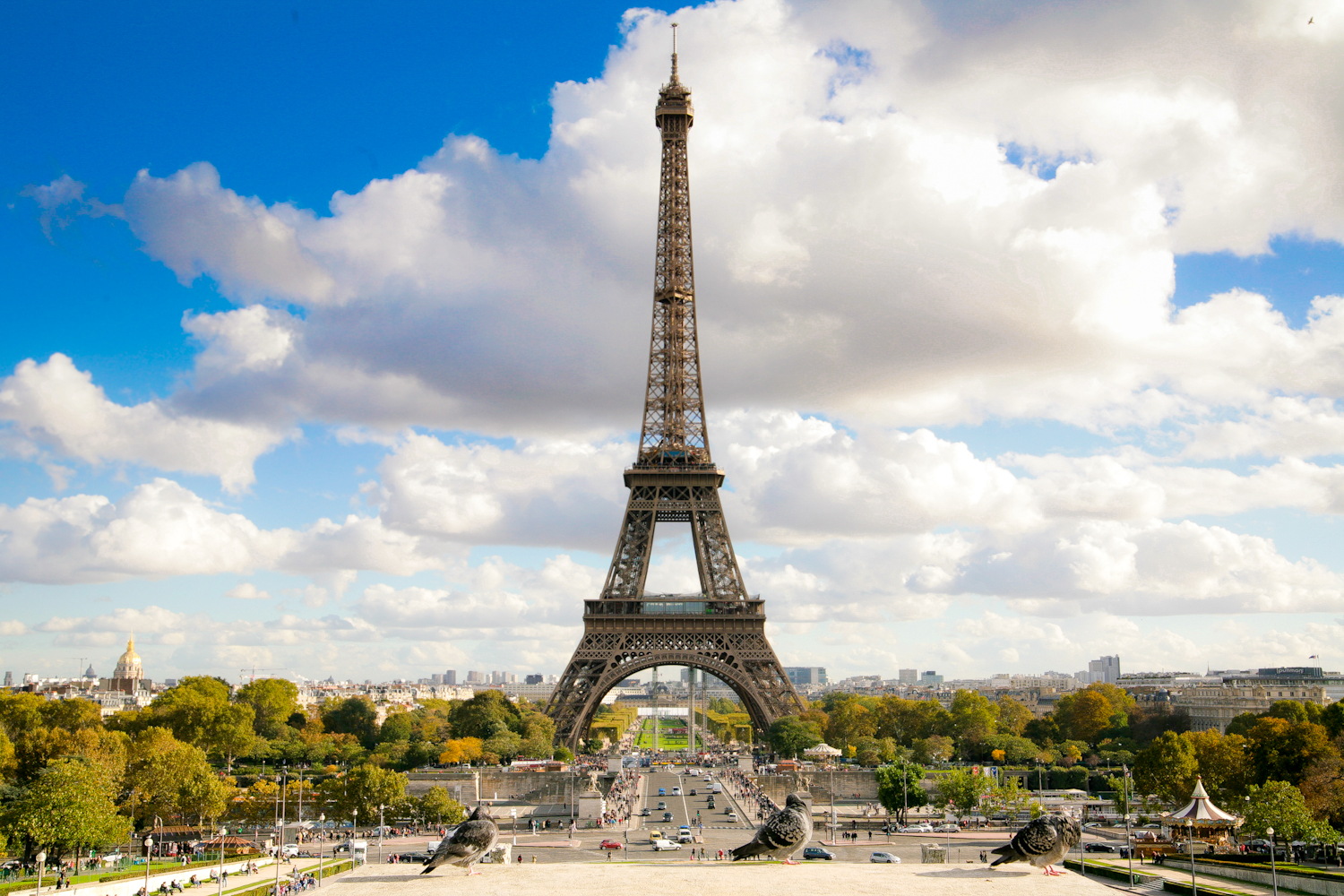
IMG_8074-Edit

Eiffel Tower


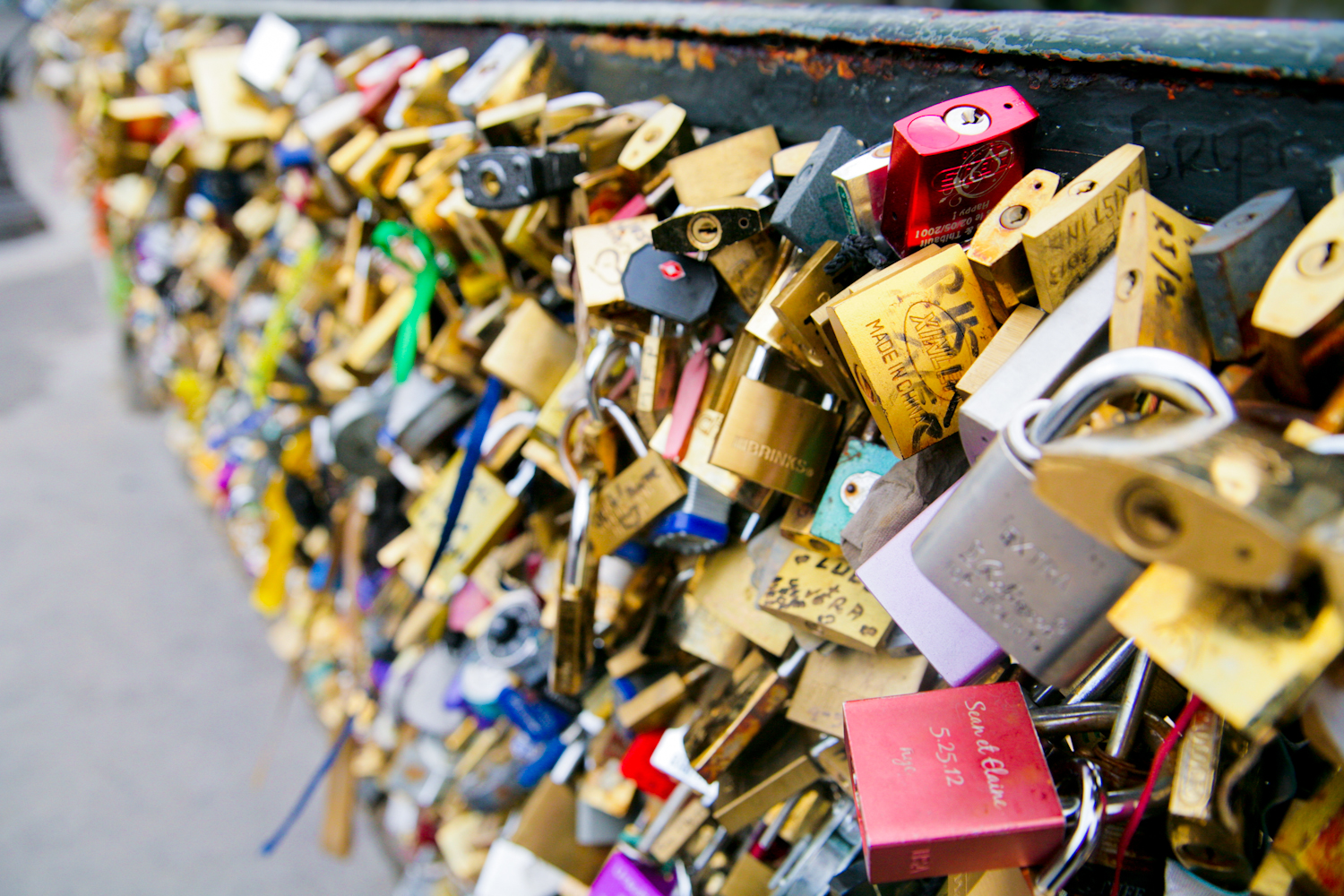
IMG_7747

Pont de l’Archevêché – The Lock Bridge


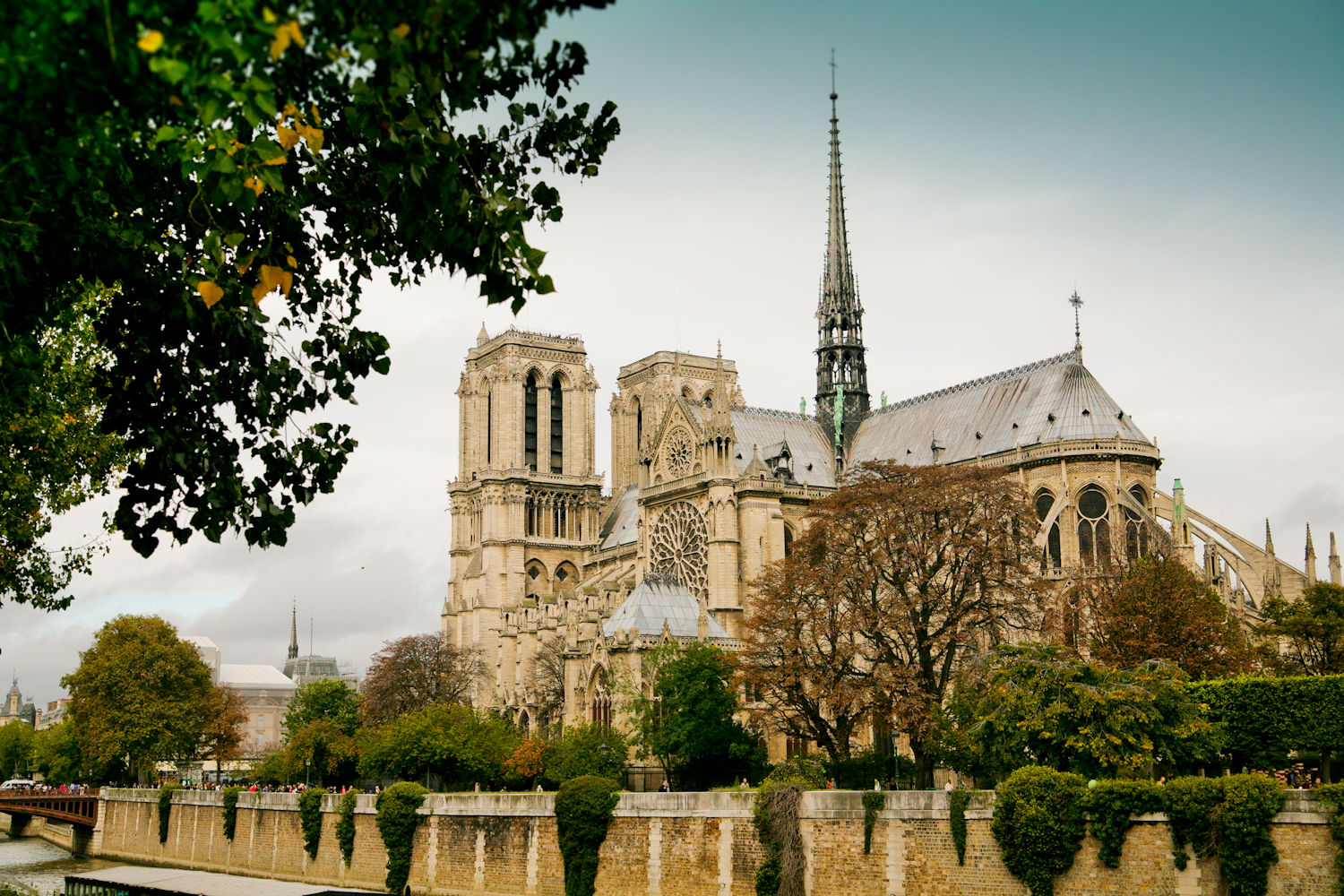
IMG_7777

Notre Dame


IMG_7863

Pont Neuf


IMG_8431

Hotel De Ville


IMG_8855

Place De La Concorde


IMG_8874

Arc De Triomphe


IMG_8939

Eiffel Tower


IMG_8775-Edit

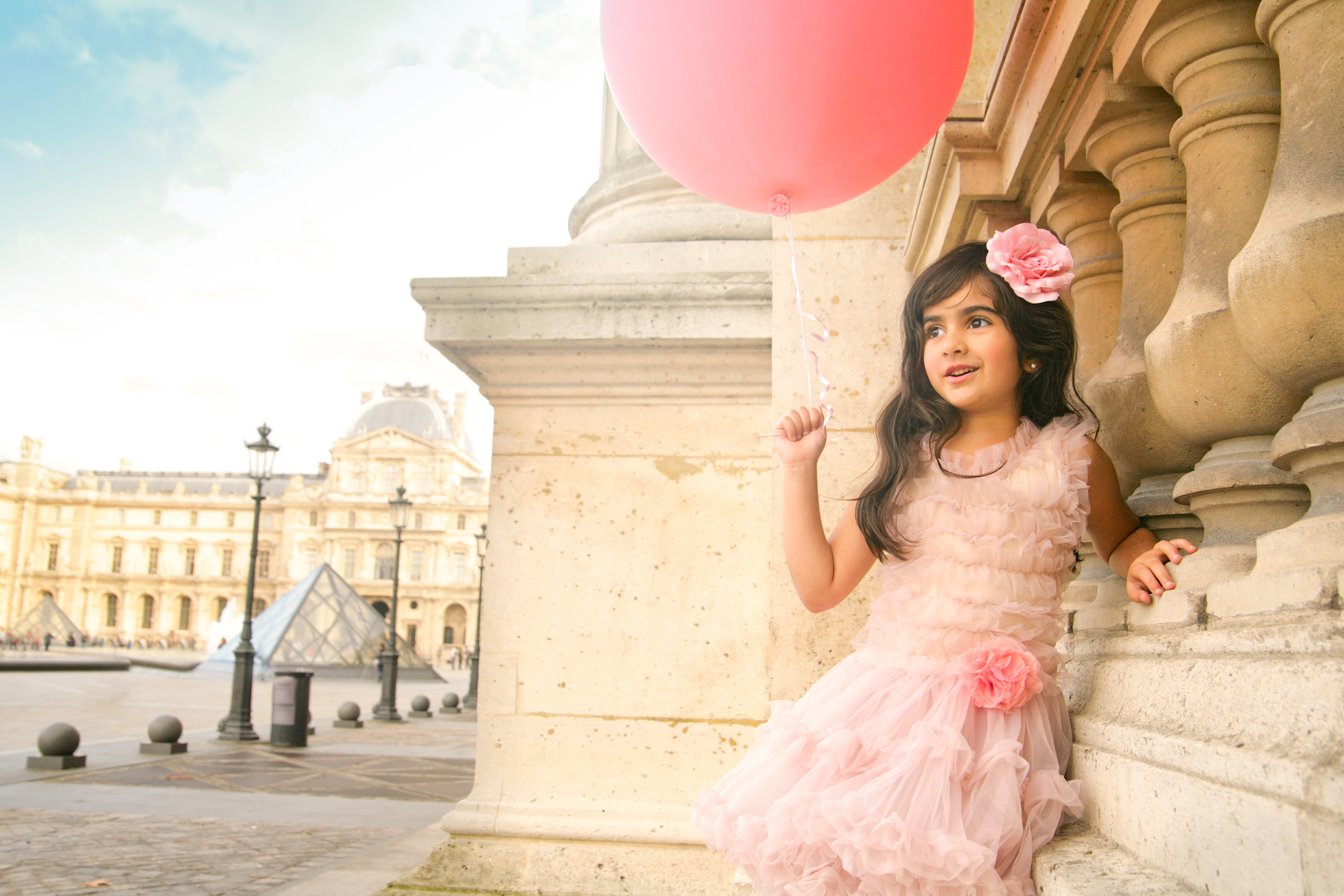
Louvre Palace

Icon: Audrey Hepburn

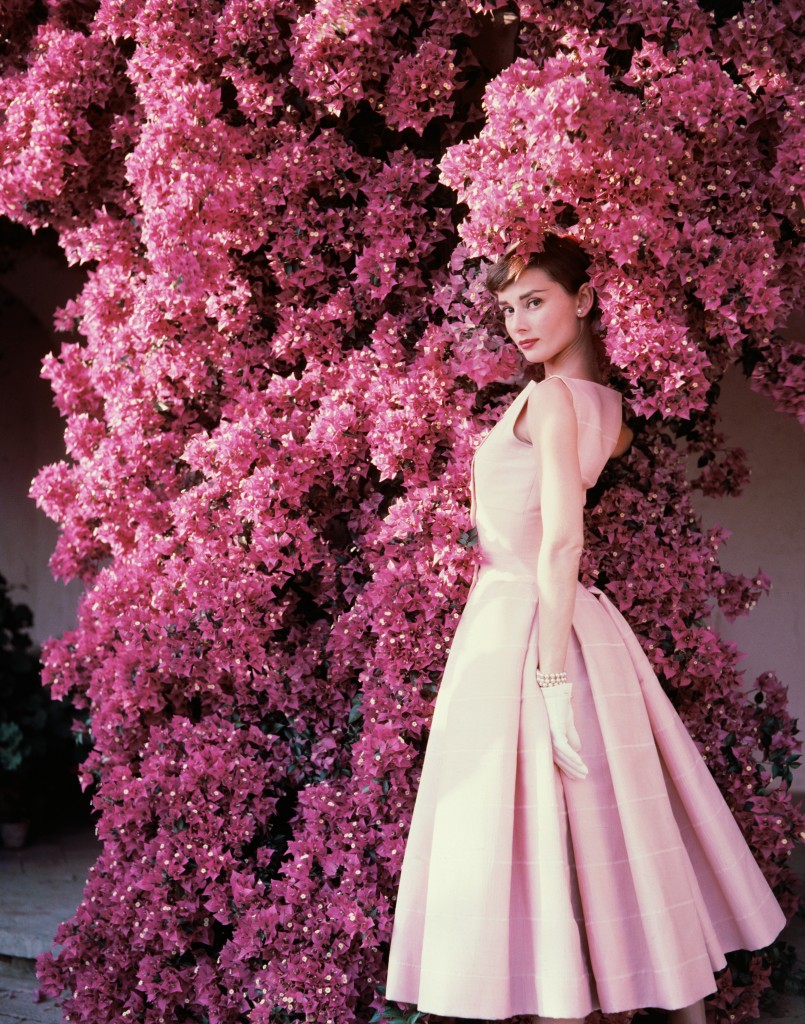
Audrey - The Icon

From Roman Holiday to Funny Face, Sabrina to Breakfast at Tiffany’s – since I was a child, the uninhibited laughter, and the glow of her being captivated me.  Audrey Hepburn beat every other iconic star for me.

It would have been her 85th Birthday, and to celebrate her memory, here are some of my favourite images of her – lucky photographers who got to work with such a creature:


Atomic Tips – Lightroom Colour Boosting

There’s an easy way to create va va voom in your images through boosting colour – but I’m not talking about flat upping the saturating here…  This tutorial shows you how to boost individual colour groups without tinting the entire image in Adobe Lightroom.

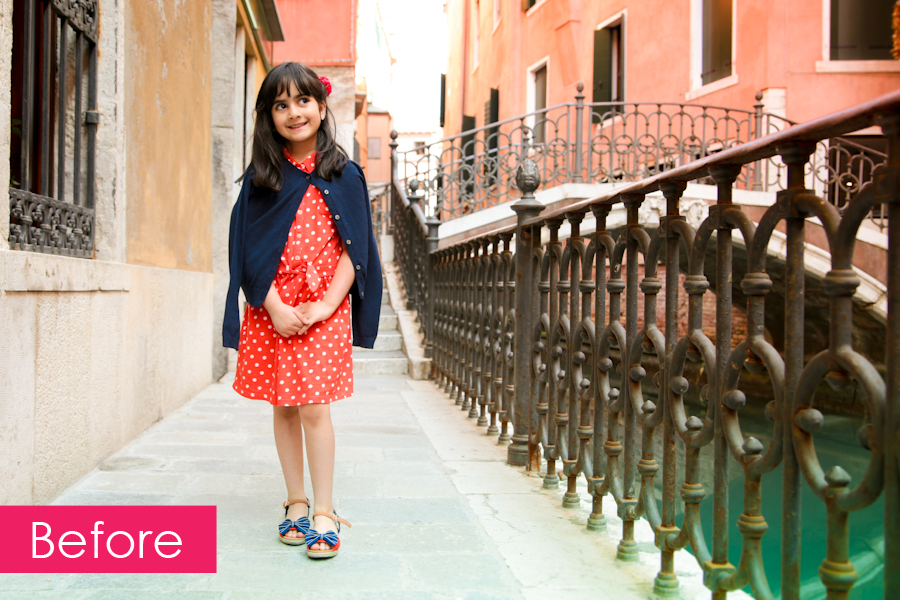
Here is my original image from a recent holiday to Venice with my daughter:

Before

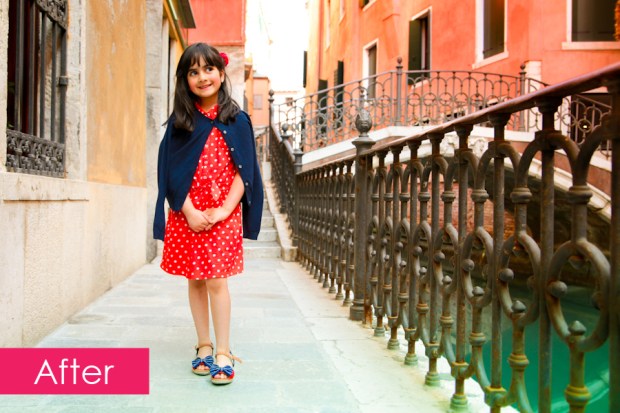
It’s a decent image, but I know from memory, her dress was redder, the water was even more turquoise, and the buildings were a more fiery orange and red.  Now I want to up the colours, but I don’t want to unbalance my daughter’s skin tones, or cause image degradation through a broad brush saturation increase.

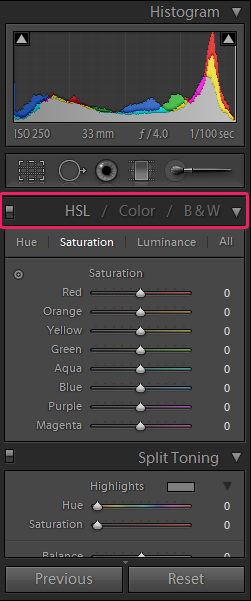
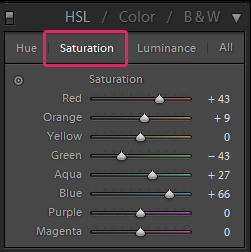
The place to boost individual colour groups, is in the Develop > HSL (Hue Saturation Luminance) > Saturation control panel.

Develop:

Lightroom Menu

HSL:

HSL Menu

Saturation:

Saturation Menu

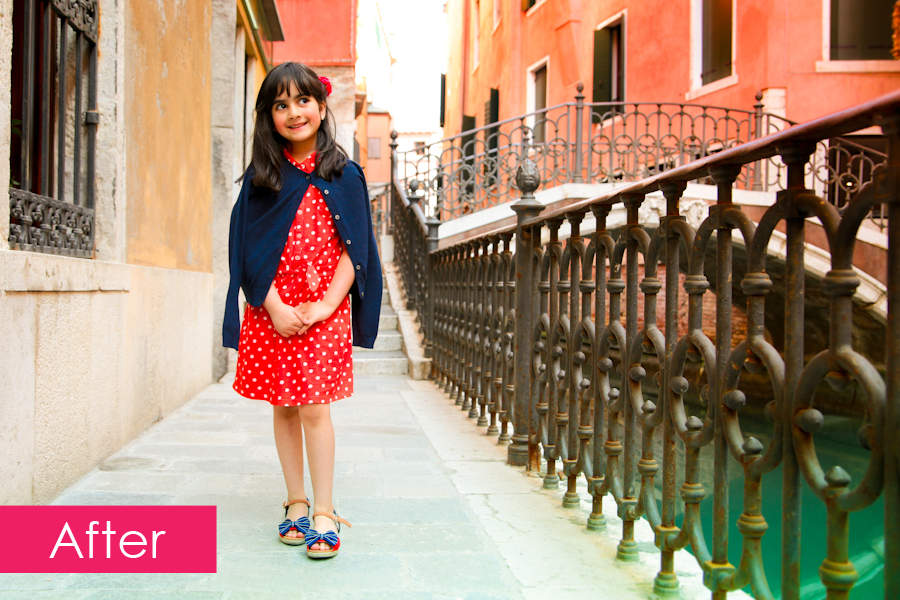
As you can see above, we can now boost the saturation of individual colours in the image, and I’ve upped my reds, blues, aqua, orange, and brought down the green a little.  Have a play around with the sliders to achieve the level of boldness you desire.

The Hue mode allows you to alter the hue/shade of the colours, and the Luminance mode allows you to control the lightness or darkness of certain colours.

Finally, I did also do a +9 on overall saturation too to give the following result:
After

Have fun colour boosting!

The Artisan : Karen Brost

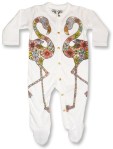
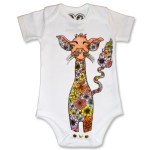
Karen Brost London SS14

When I first saw the pitch Karen Brost had made to Selfridges for her new range of artisan babywear, I was in awe of the intricate hand drawn illustrations, with rich colours and a stunning yet dark twist on kids wear. I was in love!

So how excited was I when Karen asked me to shoot her next 14/15 collection??? Very!

With her collection snapped up by Selfridges, Liberty of London, and Alex & Alexa – the official unveiling of the collection will be this July @ the Bubble Show in London.

Watch this space for images from our awesome shoot with the cutest of kids wearing the lushest of fashions…

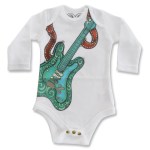
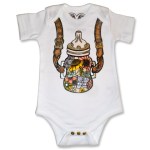
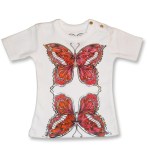
In the meantime you can buy her designs from the SS2014 collection from the Karen Brost London website: